Still Copy-Pasting From Your Agent?

AgentLeverage Team
9/16/2026

You asked the agent to key last week's invoices, label a client recording, and check a news URL. It wrote a polite summary in the chat. The PDF is still a PDF. The recording still says Speaker 1. You are copying text out of the chat, into a tool tab, and back again.
Nobody files a paste. By Thursday the chat has moved on, and you are searching your own messages for the version you already copied into a spreadsheet.
That is the usual path when the agent can talk and cannot run the job.
A run on AgentLeverage is a Job: the input, the output, and the files. You can start one in the browser. A connected agent can start the same Job. You open Jobs and review it there, instead of hunting through chat history for a blob of text you already pasted twice.
Life With Data wrote the agent-side of this. Here is what showed up in the product for the owner to review.
Hermes ran three jobs
Hermes started the same work you would click in the app. Three jobs landed in the org. The owner opened them the way you open any other run.
News Analyzer took Still Guessing Who Said What? Split Speakers First and returned a first pass: summary, bias, entities, details.
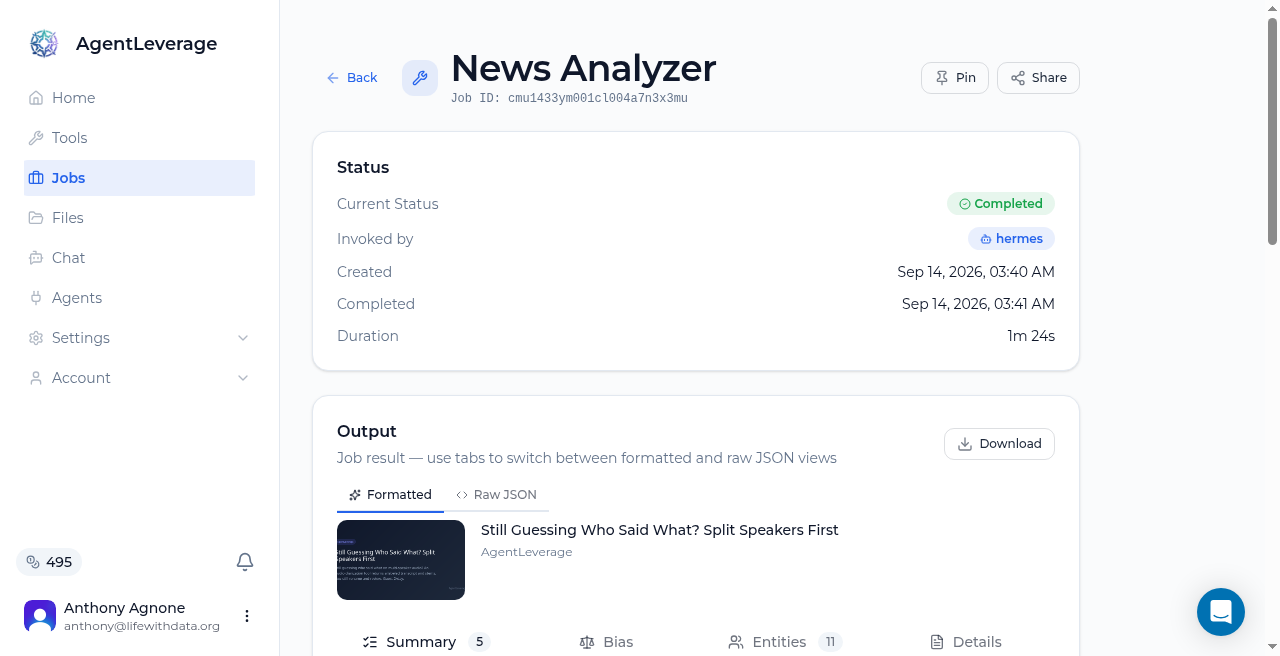
News Analyzer finished on a blog post.
Guest News Analyzer runs are free (10/day). A signed-in org spends 1 credit per article. You still decide what the coverage means, and you still open the original when a claim is going to drive a decision.
YouTube Transcript took Me at the zoo and returned a timestamped transcript plus a summary.
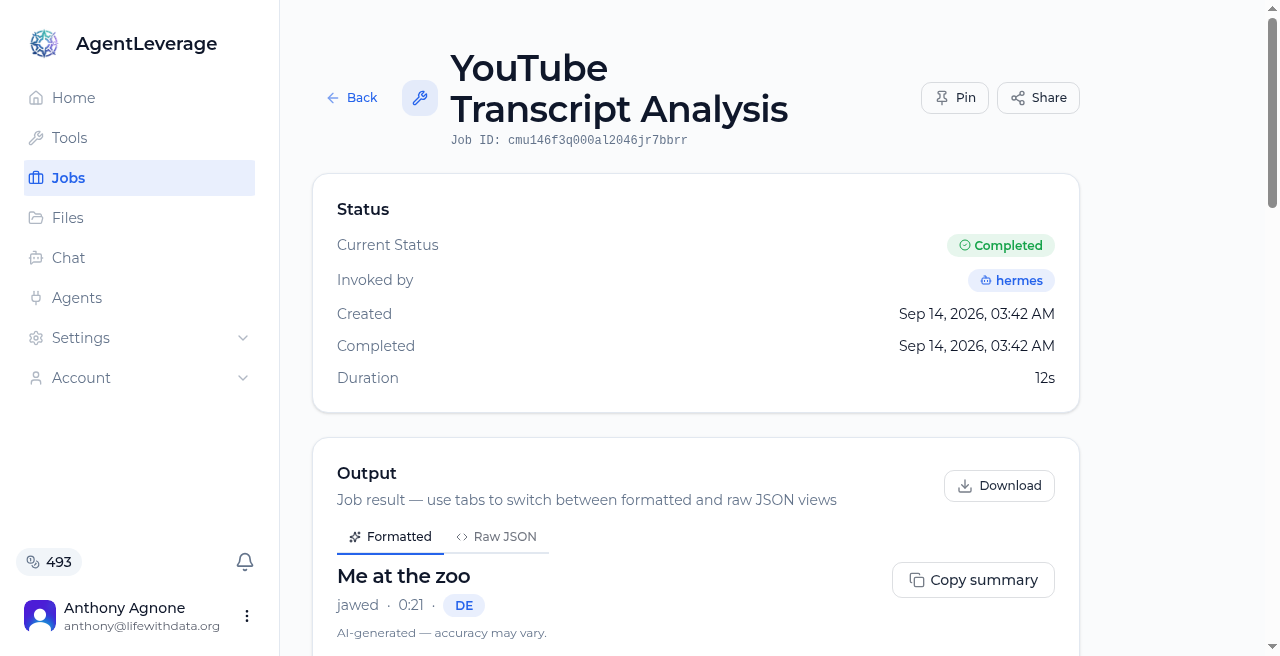
YouTube Transcript finished on a short clip.
The tool page says the summary is AI-generated and accuracy may vary. YouTube Transcript is sign-in only.
Speaker Separation took a mixed recording and labeled the voice Speaker A.
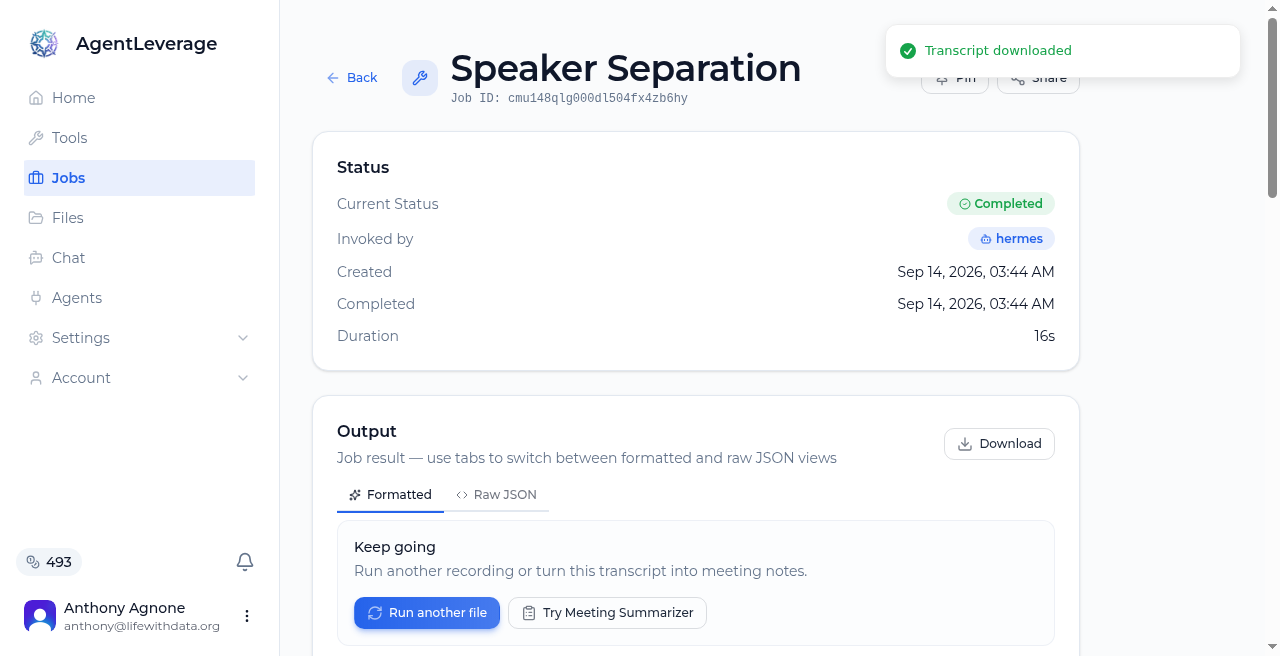
Speaker Separation job after a Hermes run.
You still rename Speaker A (or Speaker 1) and review overlapping turns. Isolated stems help you hear one voice at a time. This is a working labeled transcript. It is not a certified legal or medical record. Guest Speaker Separation is 2/day.
If the job is a recording that still says Speaker 1: split the file by speaker first, then rename and review
The chat window is the conversation. Jobs is where the work sits. You can reopen the news pass, the YouTube transcript, or the labeled recording later, download the files, and decide what to keep. A week later the Job is still in the org, and the paste is gone.
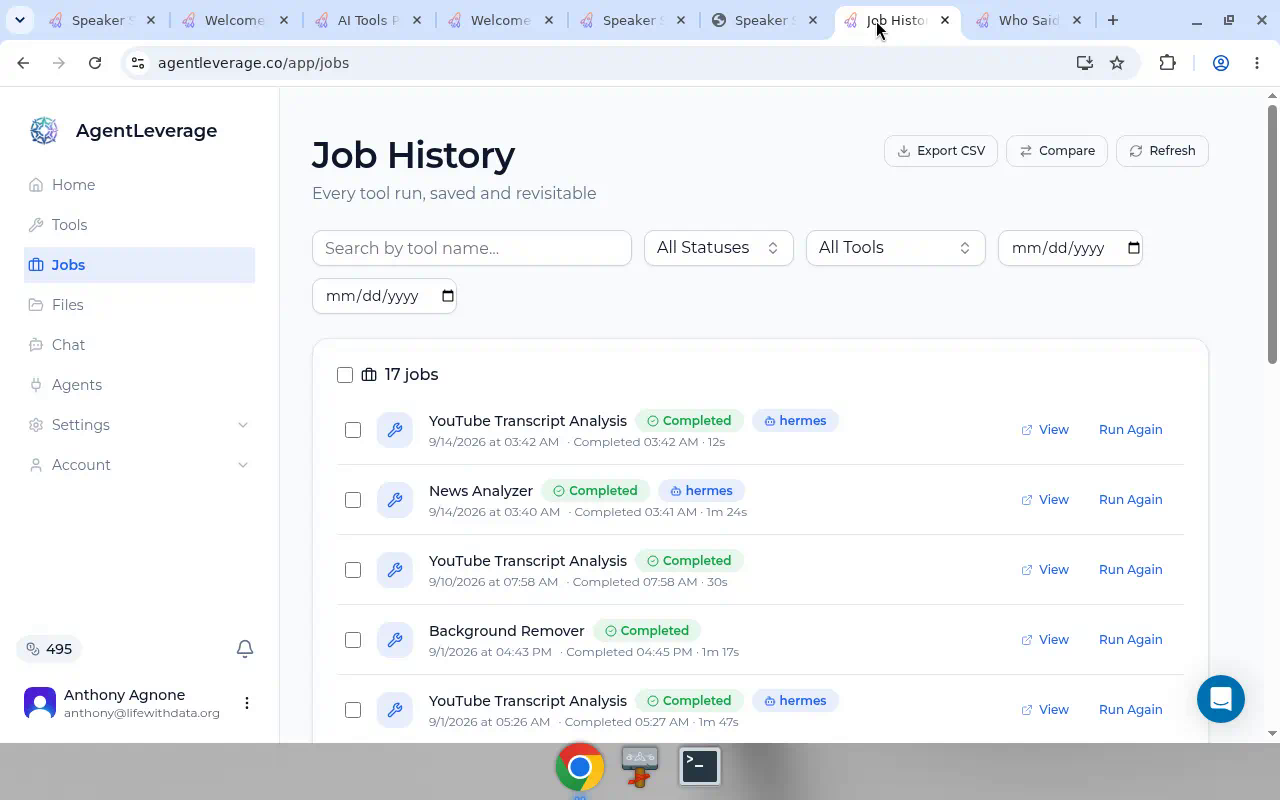
Job list with Hermes runs.
Claude ran News Analyzer
You do not have to be sitting in the AgentLeverage tab. Claude on claude.ai connected AgentLeverage, then ran News Analyzer on the AgentLeverage blog from the chat. The matching Job showed up in the app for the owner to review.
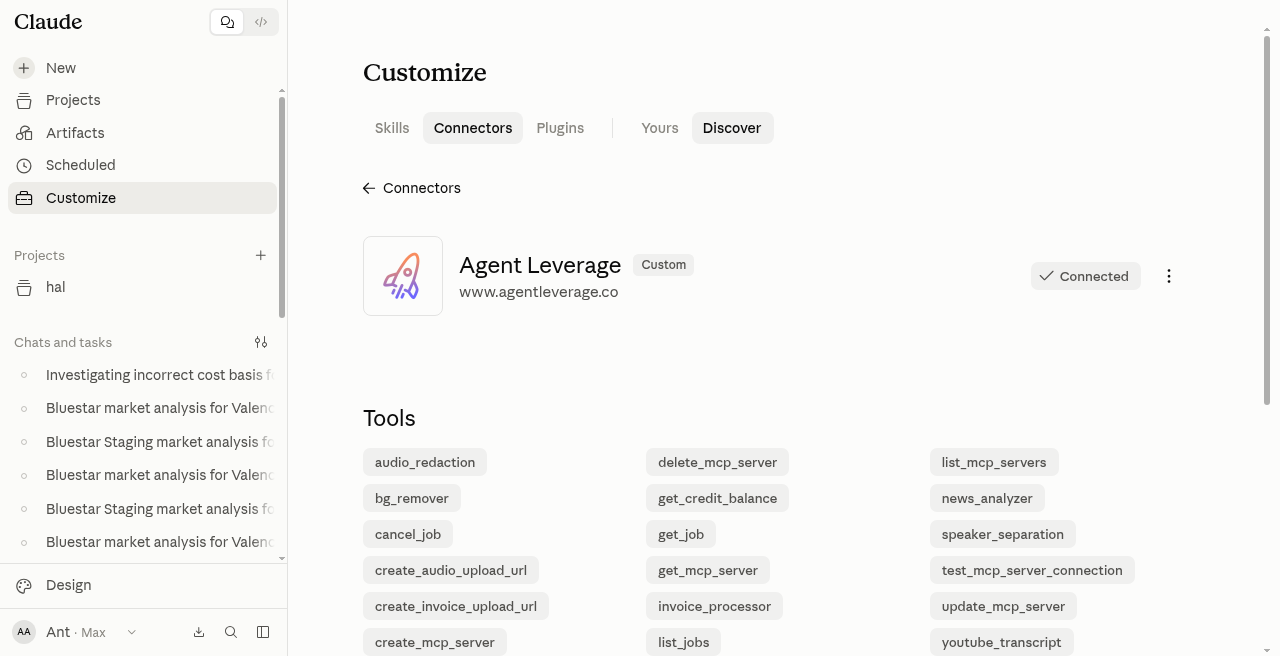
Claude showing AgentLeverage connected.
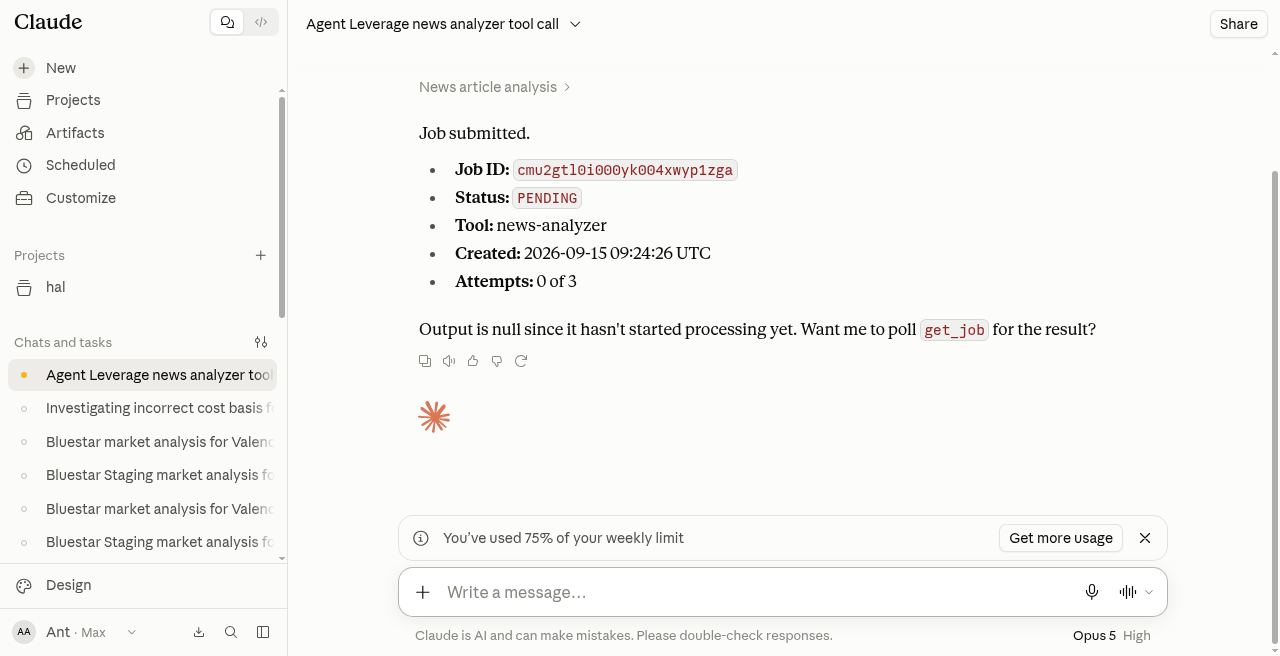
Claude chat after it started News Analyzer.
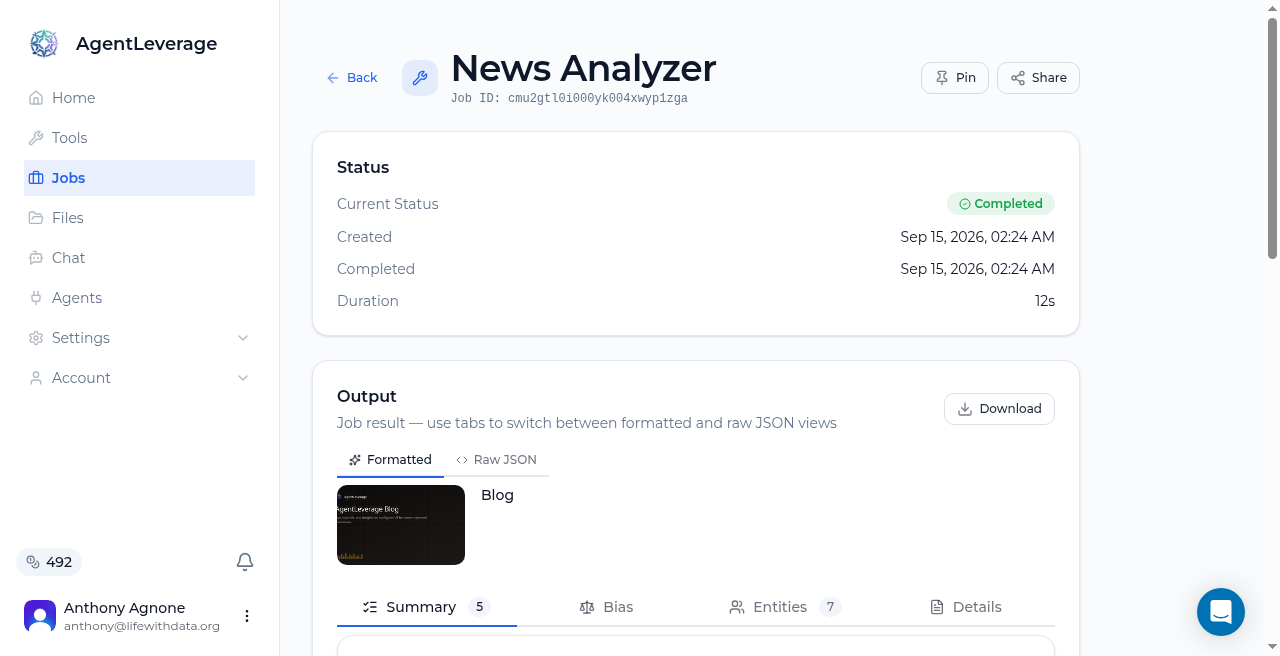
News Analyzer finished on the AgentLeverage blog.
That result is a first pass. You still review.
What you still do
Open the Job. Rename Speaker 1 when the label is still a placeholder. If people talk over each other, listen to the isolated stems.
ChatGPT uses the same connect path. We did not capture a ChatGPT run.
You start with 30 credits at signup. Guest tools keep their daily quotas (Speaker Separation 2/day, News Analyzer 10/day). There is no 7-day trial. You still review. Plans are on pricing.
Sign up (30 credits). Or get it set up for your business.
To connect Claude, ChatGPT, Hermes, or Cursor, follow Connecting your agent. To run Speaker Separation in the browser, upload a recording. Guest runs are free (2/day). You still rename Speaker 1 and review.
Try it yourself
Speaker Separation
Upload a recording. This speaker separation labels multi-speaker audio. Rename Speaker 1 and download isolated stems plus a timestamped transcript.
Start with 30 free credits — no card required.
Get weekly AI tips
Practical AI productivity tips every week. No fluff.
Try it yourself — free
New accounts get free credits — no credit card required. Run your first AI tool in minutes.
Related Articles
Demo Audio Looks Clean? Choose for Your Audio First
Studio demos hide accents, overlap, and cheap mics. Test your audio first. Guest 2/day. You still listen back.
Lawyer or Sign Blind? Pre-Screen Before You Call
Pay a lawyer to read a vendor MSA, or sign and hope. Pre-screen first, then call counsel when the stakes justify it. Contract Analyzer is not live. Guest 5/day.
Vendor Contracts Piling Up? Track Auto-Renews Before Lock-In
Vendor contracts pile up until an auto-renew or liability cap bites. Flag those first. You still negotiate. No live Contract Analyzer.